
Okay, real talk. Trying to keep your team on the same page and your clients actually interested is harder than ever. But here’s something that honestly helps: those big, beautiful interactive touch screen displays. They’re not just a fancy TV for your wall anymore. They’re seriously changing how we work together.

So, how do you even figure out what the best interactive touch screen displays for business really are? It can feel overwhelming, but it doesn’t have to be.
Why Bother? Here’s the Deal.
- They Get People Actually Working Together.
Forget the old whiteboard and its sad, dried-out markers. With a touch screen, your team can all jump in, draw terrible (or brilliant!) sketches, write notes, and save it all instantly. No more “I forgot to take a picture of the board!” moments. - You’ll Look Like a Rockstar in Meetings.
Flipping through slides is fine, but tapping and swiping through an interactive presentation? That gets people’s attention. You can pull up a live website, zoom in on a chart, or draw on the fly. It makes you look prepared and, let’s be honest, pretty cool. - Training Stops Being So Boring.
Onboarding new folks or running a workshop? Let them touch the screen and interact with the material. It’s way better than just talking at them, and people remember things they do much better than things they just hear. - Meetings Finally Get Shorter.
With everyone—even the people calling in—able to see and mark up the same document right there on the screen, you cut through the confusion. Decisions happen faster, and you can all get back to your actual work.
What to Actually Look For
Don’t just buy the first one you see. Keep an eye out for this stuff:
- A Really Good Picture: If the screen looks fuzzy or dull, no one’s going to be impressed.
- Lets Multiple People Touch It: This is key for collaboration. If only one person can draw at a time, it defeats the purpose.
- It Can’t Be Flimsy: This thing will get poked and prodded every single day. It needs to feel solid.
- It Shouldn’t Need a Manual: If it’s not easy to figure out, people just won’t use it. Simple is best.
- Plays Well With Others: Make sure it works with Zoom, Teams, Google Drive, or whatever your company is already using.
Where to Stick These Things
You’ve got options:
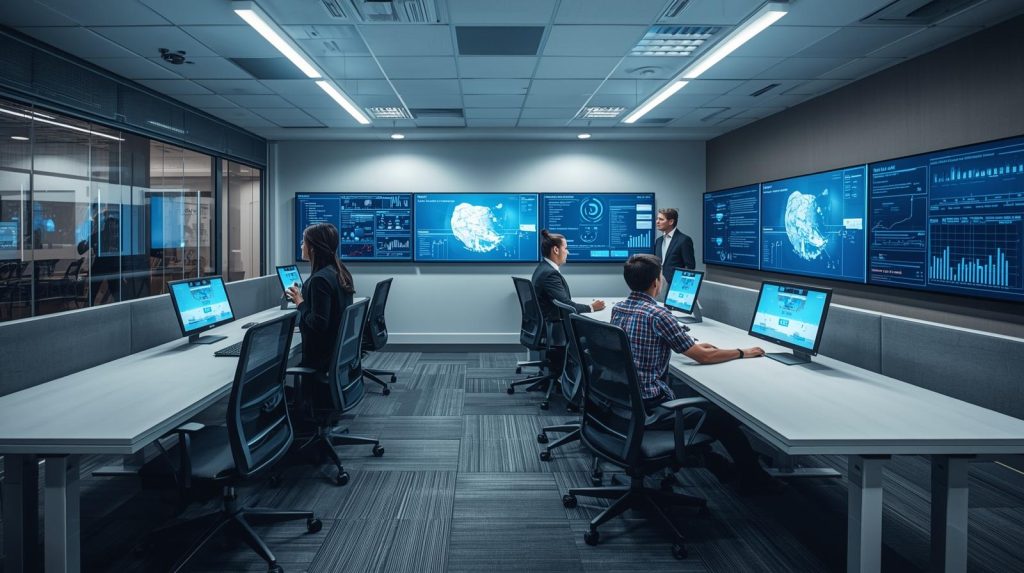
- The Obvious Spot: The meeting room. Ditch the boring projector.
- The Lobby/Waiting Area: Let visitors play with an interactive brochure or see your product lineup.
- The Training Room: Make learning feel less like a chore.
- A Random Hallway Nook: Create an impromptu collaboration spot.
A Little Advice from Experience
To make sure it’s not just an expensive toy:
- Put it somewhere people naturally hang out.
- Keep the content visual—lots of pictures, videos, and big, clear points.
- Don’t let the content get stale. Update it every now and then.
- See what features people actually use and lean into those.
Why We Think We Can Help
At UPTI, we get it. You don’t just want a screen; you want a solution that makes your life easier. We’ll help you choose the right one, set it up so it actually makes sense for your team, and make sure it works with your stuff. As an Aussie company, we understand the local business vibe and what you probably need.
Wrapping It Up
Finding the best interactive touch screen displays for business is really about finding a tool that makes work feel a bit more modern and a lot less frustrating. It’s an investment in working smarter, not harder.
Think it might be time for one? Chat with us—we can help you figure it out without any of the sales jargon.